The Builder Market Platform
Timeline:
2025.05 — 2025.10
My Role:
UI/UX Designer
Team:
CTO, CEO, Engineer, Designers, UX Researchers
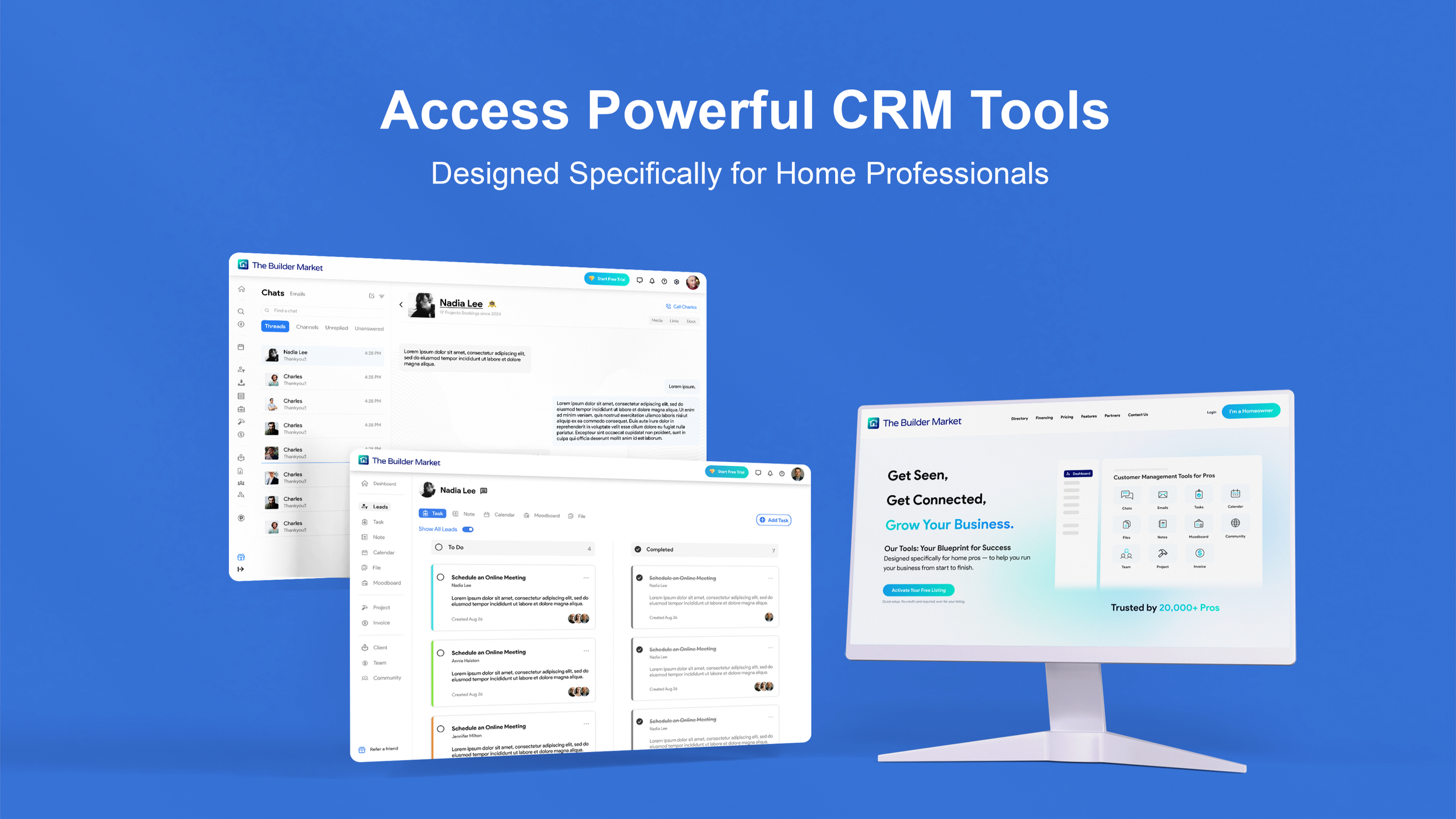
Overview:
This project was completed during my internship at The Builder Market, where I led the platform design for home service professionals to manage their leads (potential client/project) effectively.
We have conducted user research and usability testing to validate our design direction. Meanwhile, I built the design system to ensure the brand visual consistency and completed the high-fidelity prototype for the entire website.
How do home service professionals currently find their leads (potential clients/projects)?
Referrals from previous clients
Purchased leads from online marketplaces
Social media exposure
Word of mouth in local communities
Partnerships with related businesses
However, many pros complain it’s difficult to manage their leads…
“My leads are scattered across texts, emails, and different apps, it’s hard to keep track.”
“I don’t have a central place to store all my project files, track progress, and keep notes, so important information often gets lost across different apps.”
“Clients don’t always provide enough information, so I have to spend extra time calling or messaging multiple times just to get the details I need.”
“Sometimes I missed follow-ups with my clients, because there’s no reminder system.”
Based on those pain points, our design goal is to improve the efficiency and effectiveness of home service pros in acquiring and managing leads in one place.
We began by analyzing our competitors who sell leads online, and interviewing the pros to uncover their frustrations. We also mapped the user journey to understand their needs and challenges at each stage.
COMPETITOR ANALYSIS


We discovered the following weaknesses in our competitors’ digital product:
Overloaded Interface and Complexity
Some platforms offer excessive functions and categories, making navigation or task execution complicated.Lack of Integrated Communication Tools
Most platforms require users to switch between external apps (phone, email, etc.) for client communication, interrupting workflow and lowering productivity.Fragmented Lead Management Flow
There is no unified process to connect lead acquisition, task management, and follow-up actions. This fragmented experience forces professionals to navigate between multiple pages and sections, reducing efficiency.No Smart Notifications or Reminders
Most products don’t provide automated reminders or notifications, causing missed follow-ups, delayed responses, and inconsistent lead tracking.

Lisa Rodriguez
Owner of a Small Interior Design Studio
Pain Points:
Time waster on low-quality lead.
Difficult to track leads.
Hard to deliver personal style and specialties.
Goals:
Acquire high-quality leads to increase project opportunities.
Improve efficiency in communicating with and converting potential clients.
Strengthen personal brand style.
USER INTERVIEW & PERSONA

Mark Davis
Independent Contractor
Pain Points:
Unclear and poorly matched client/project information.
Subscription and billing systems lack transparency and are difficult to cancel.
Goals:
Secure a steady flow of high-quality local leads.
Minimize unproductive time and increase income stability to maintain a steady stream of income.
USER JOURNEY

William Hayes
Marketing Director at a Design Company
Pain Points:
Platform recommended leads often misaligned with my ideal clients (budget and style gaps).
Team permission and collaboration features lack flexibility. Hard to refer or collaborate with my team.
Goals:
Acquire high-end client leads.
Improve team collaboration efficiency and client management.
Step-by-step process of how home service professionals use online platform to find and manage leads.
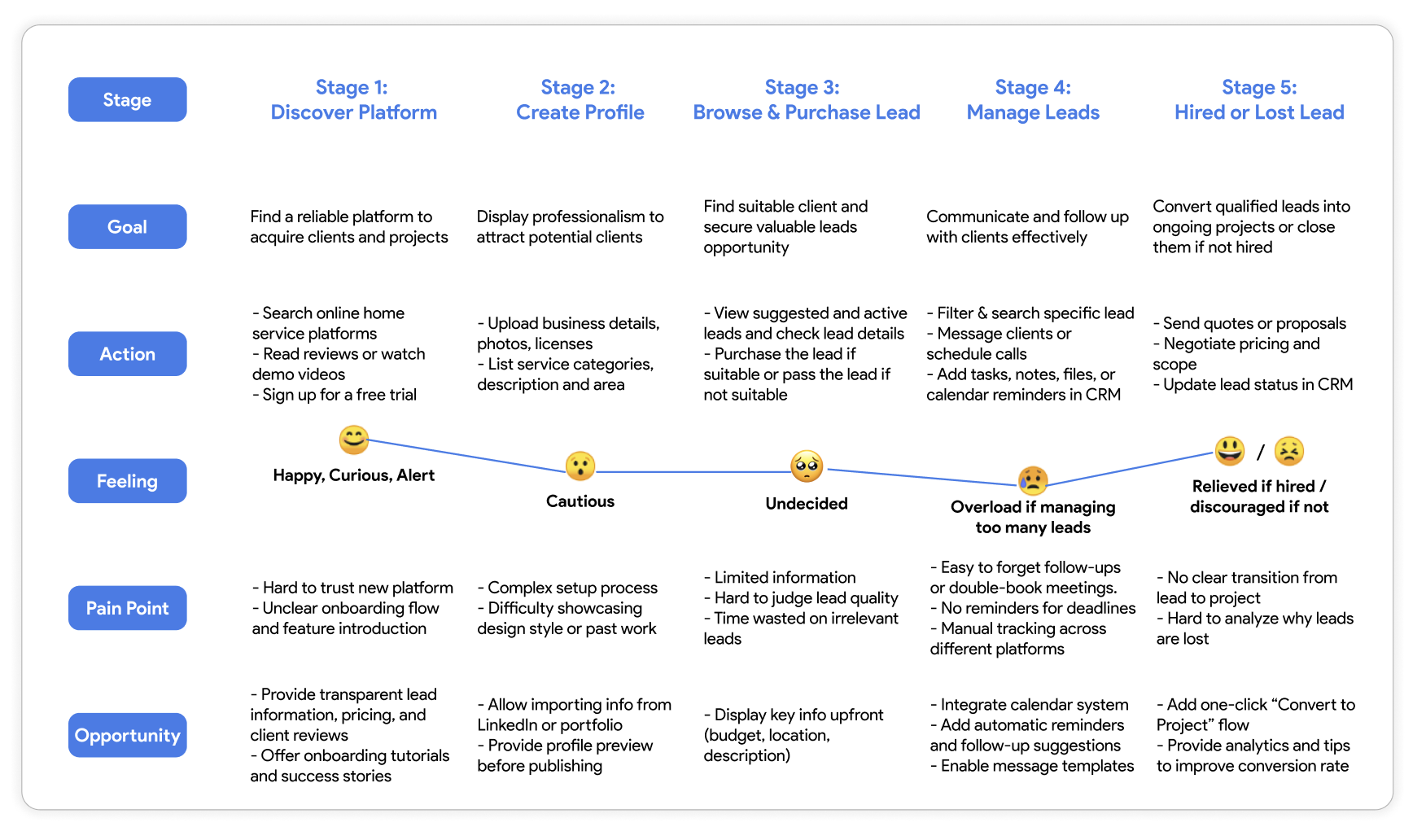
Based on the user research, we identified three key design insights:
01/ Integrate essential CRM and task-management tools to help professionals efficiently organize, track, and follow up on multiple leads at once.
02/ Add filter and keyword search features to help professionals quickly find ideal leads by location, category, budget, and other key criteria.
03/ Present essential information upfront with side-by-side comparison, and include a “View Details” button to support faster lead evaluation.
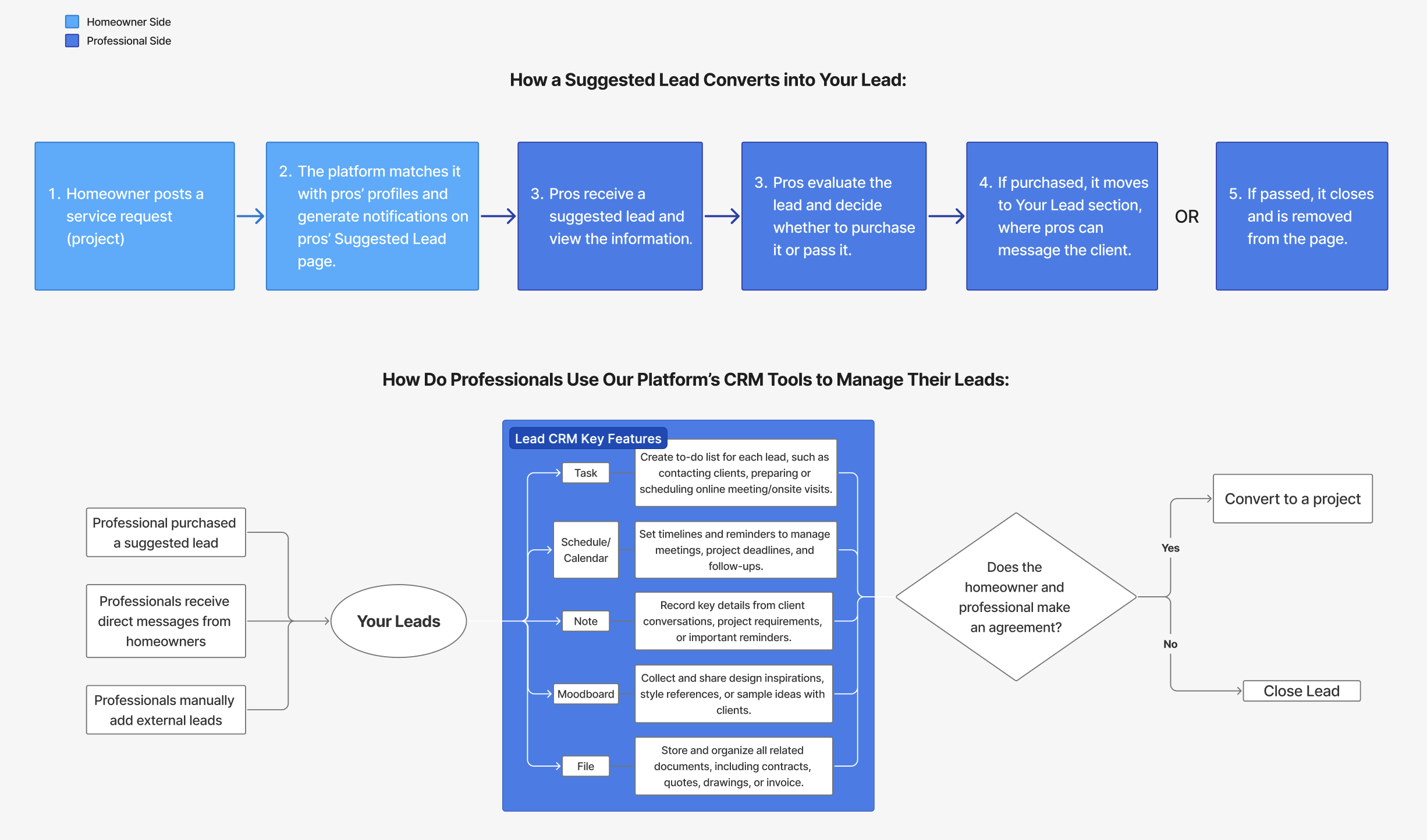
We first mapped out the user flow accordingly.
*What is “Suggested Lead”?
When a homeowner posts a project on the platform and it matches the professionals’ specialties, or when the platform sells a recommended lead to professionals, it appears in “Suggested Lead” section.
*What is “Your Lead”?
It collects all the active leads that the professionals purchased or received.
After synthesizing our research findings, our team moved into the design phase.
Goal Statement: To build a centralized platform that helps home service professionals acquire, organize, and manage their leads in one place, which will improve their efficiency, reduce missed opportunities, and support better client communication.
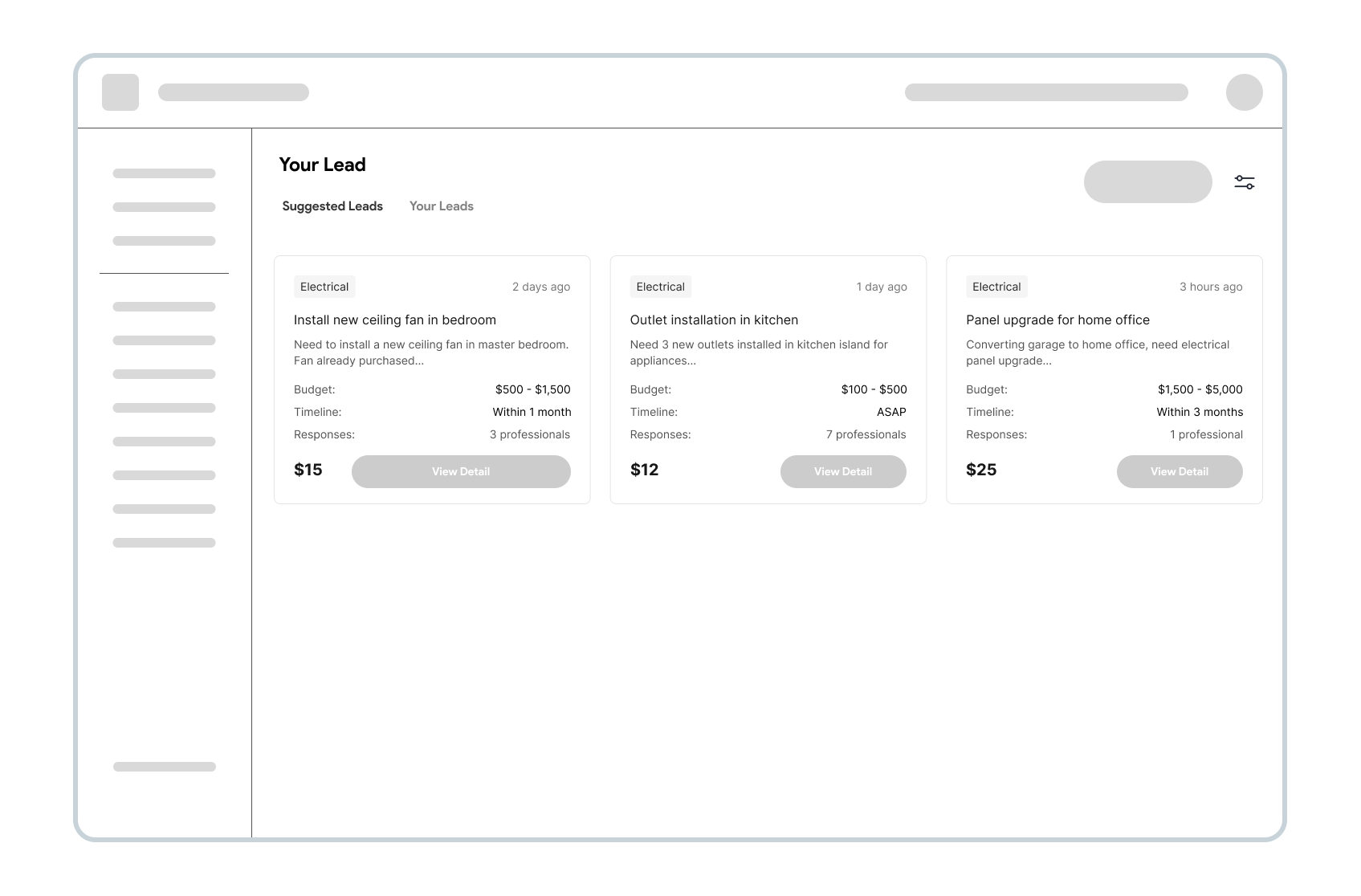
WIREFRAME
Iteration 1: Card view for Lead Listings
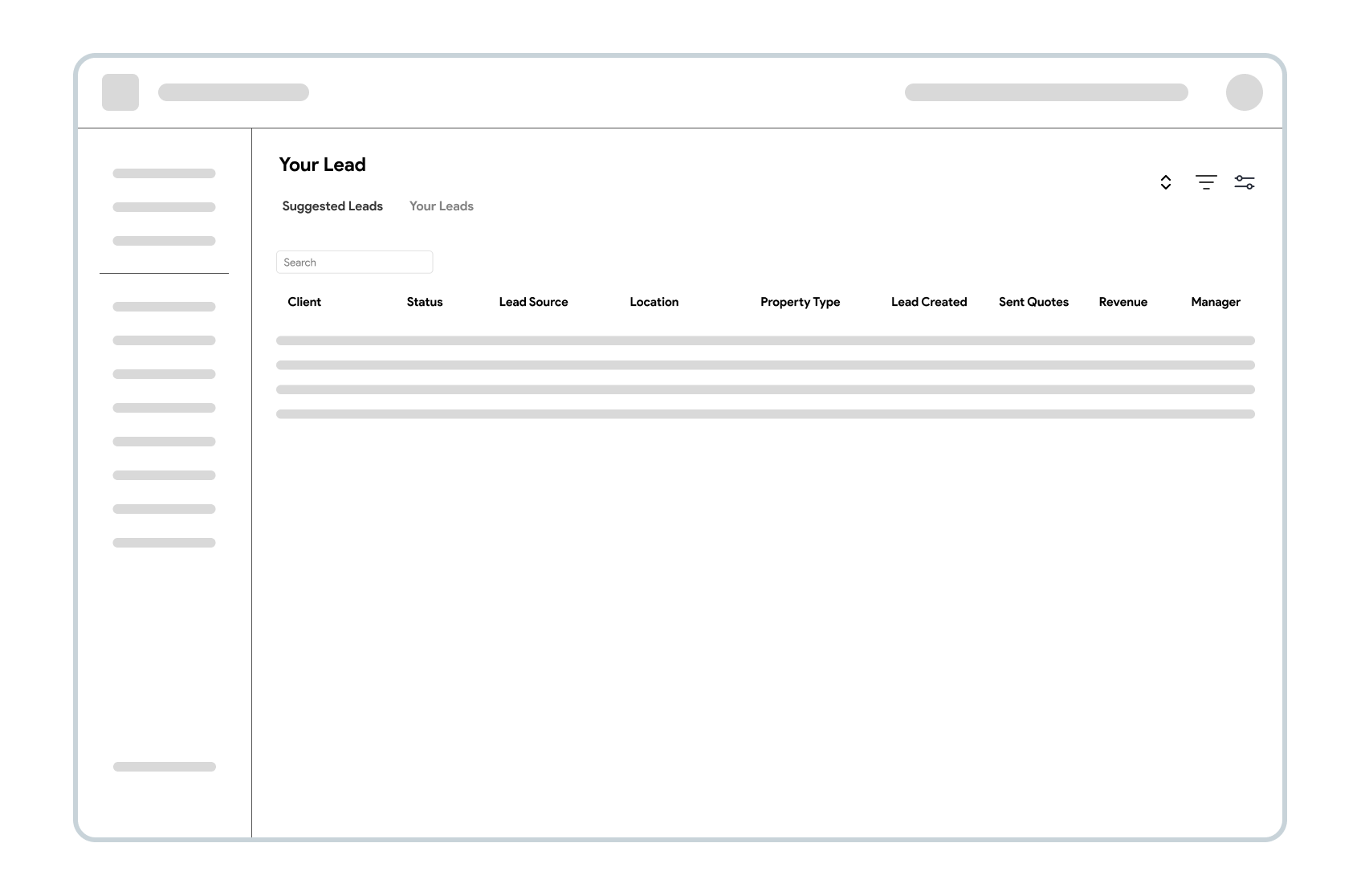
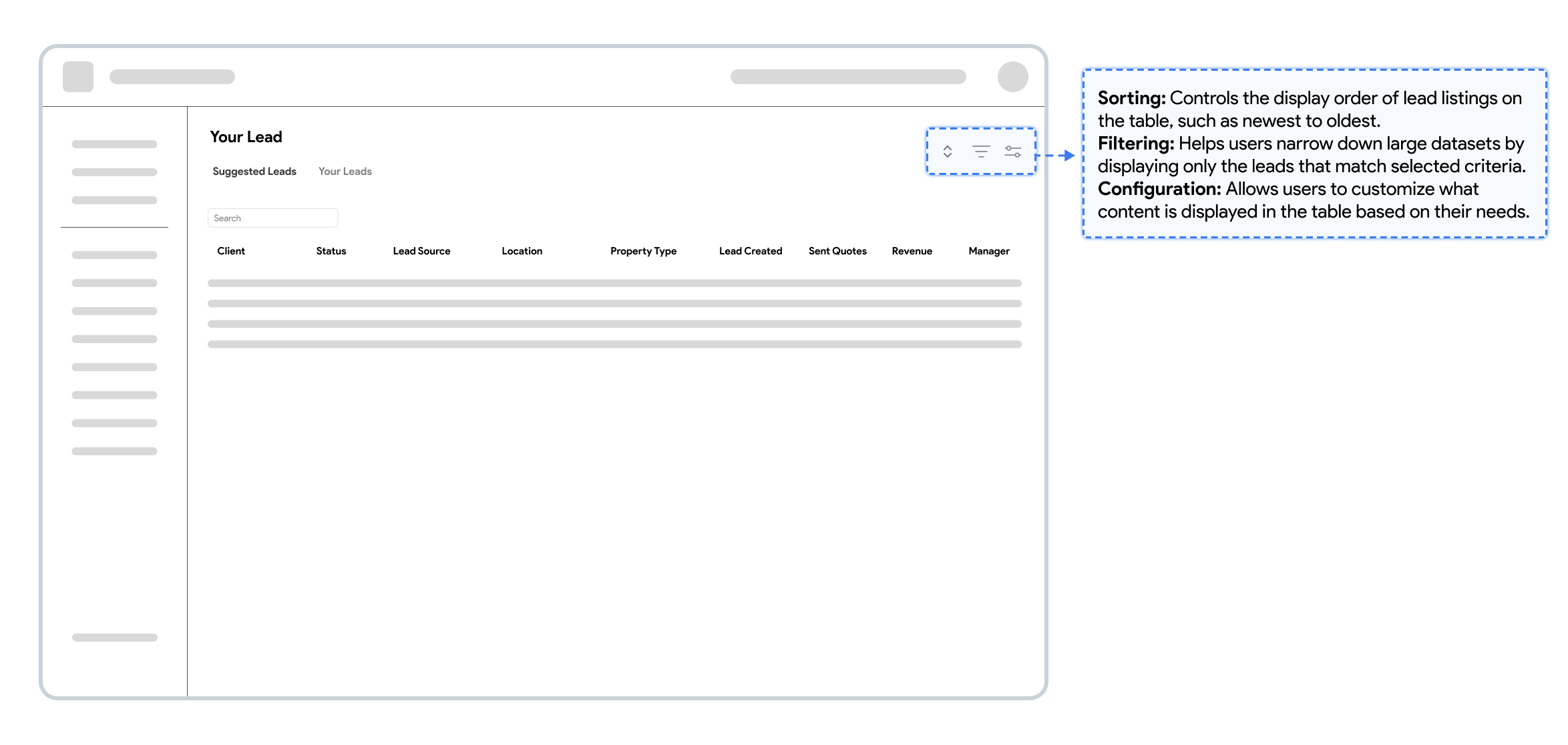
Iteration 2: Table view for Lead Listings
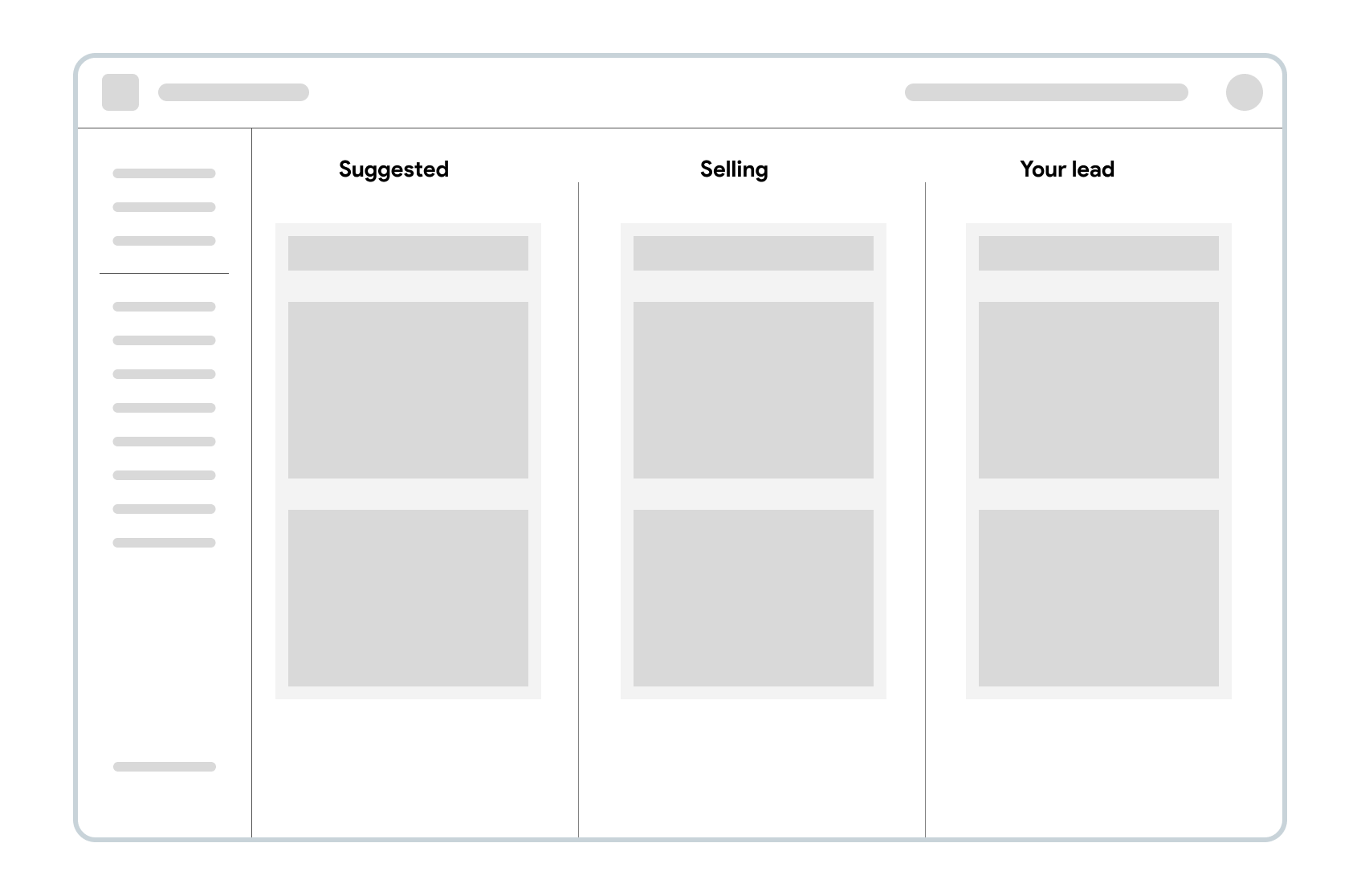
Iteration 3: Kanban view for Lead Listings
Iteration 2: Table view for Lead Listings
✅ Presents structured information clearly — organized into rows and columns for quick scanning and logical grouping.
✅ Side-by- Side Comparison — users can easily evaluate or compare multiple categories, attributes, or price within the same column.
✅ Supports flexible sorting and filtering — allows users to rearrange or narrow down data efficiently.
DESIGN SYSTEM

HIGH-FIDELITY PROTOTYPE
Page 1: “Your Lead” Section
Page 2: “Suggested Lead” Section

Pop-up Window for purchasing a suggested Lead:
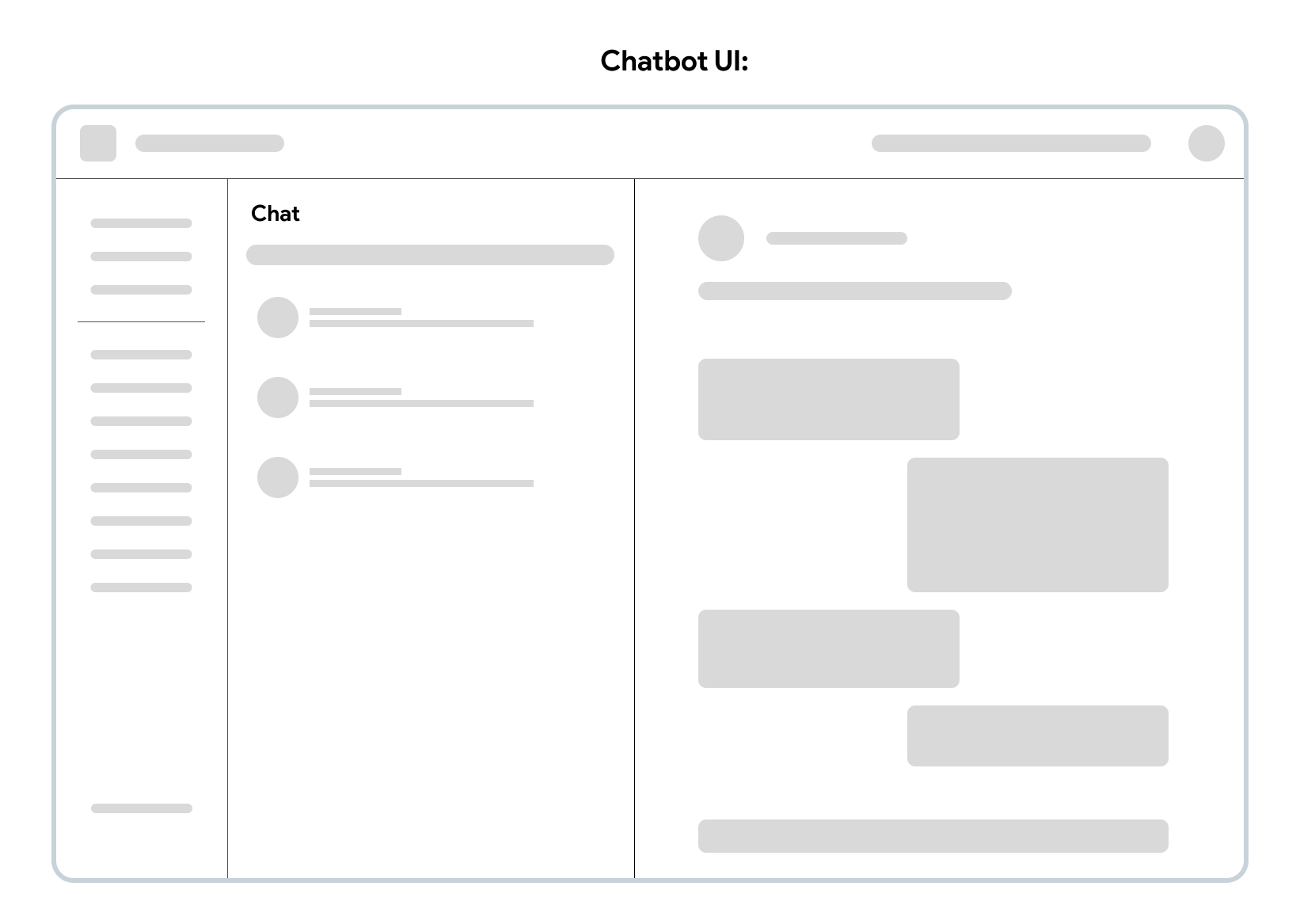
Chatbot Tool:
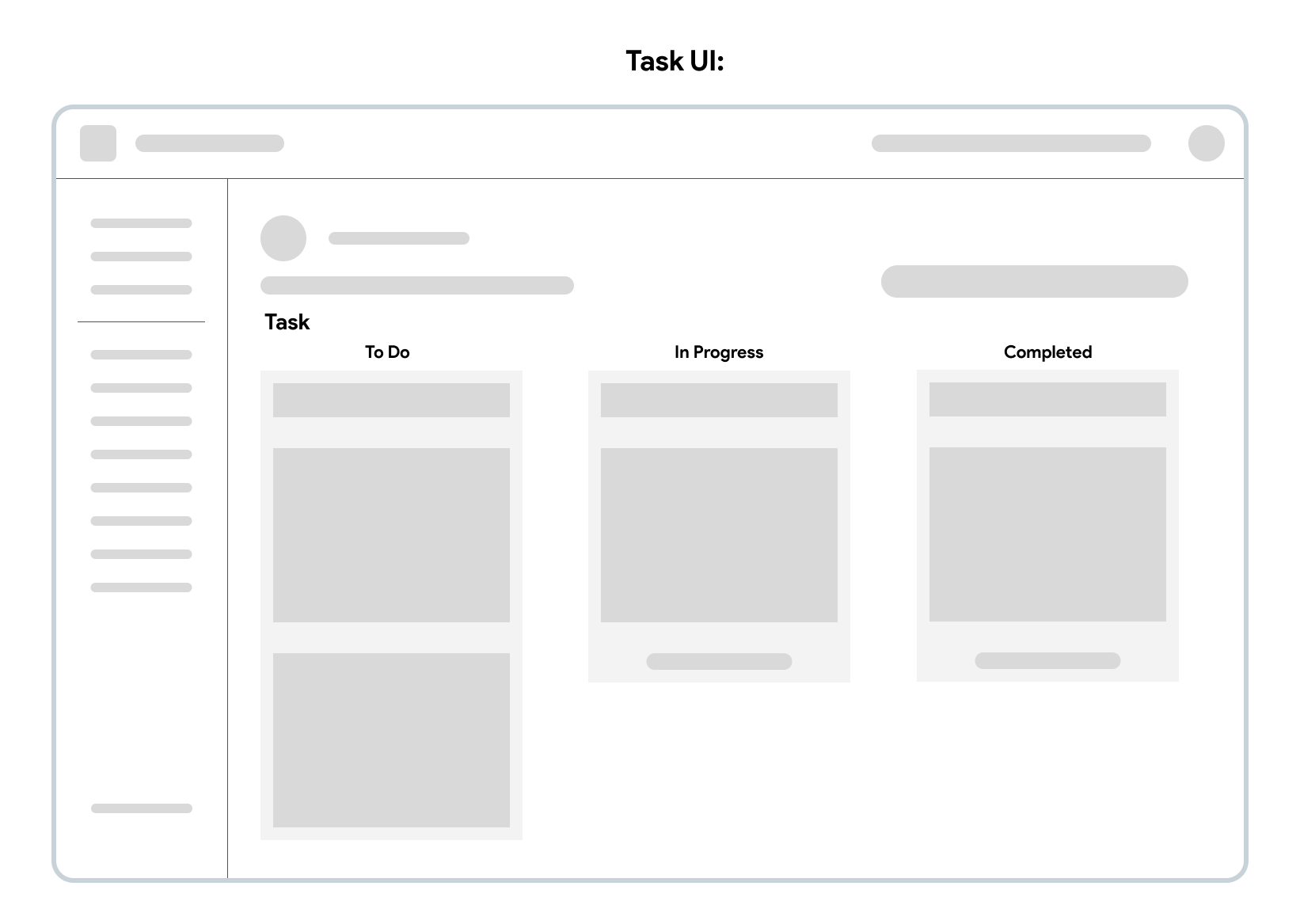
Task Management Tool:
✅ Simple and intuitive UI buttons separate “Your Leads” and “Suggested Leads” for easier navigation.
✅ Price and essential information upfront, improve evaluation efficiency.
✅ Side-by- Side Comparison.
✅ Supports flexible sorting and filtering.
✅ Quick pay workflow enhances conversion rates.
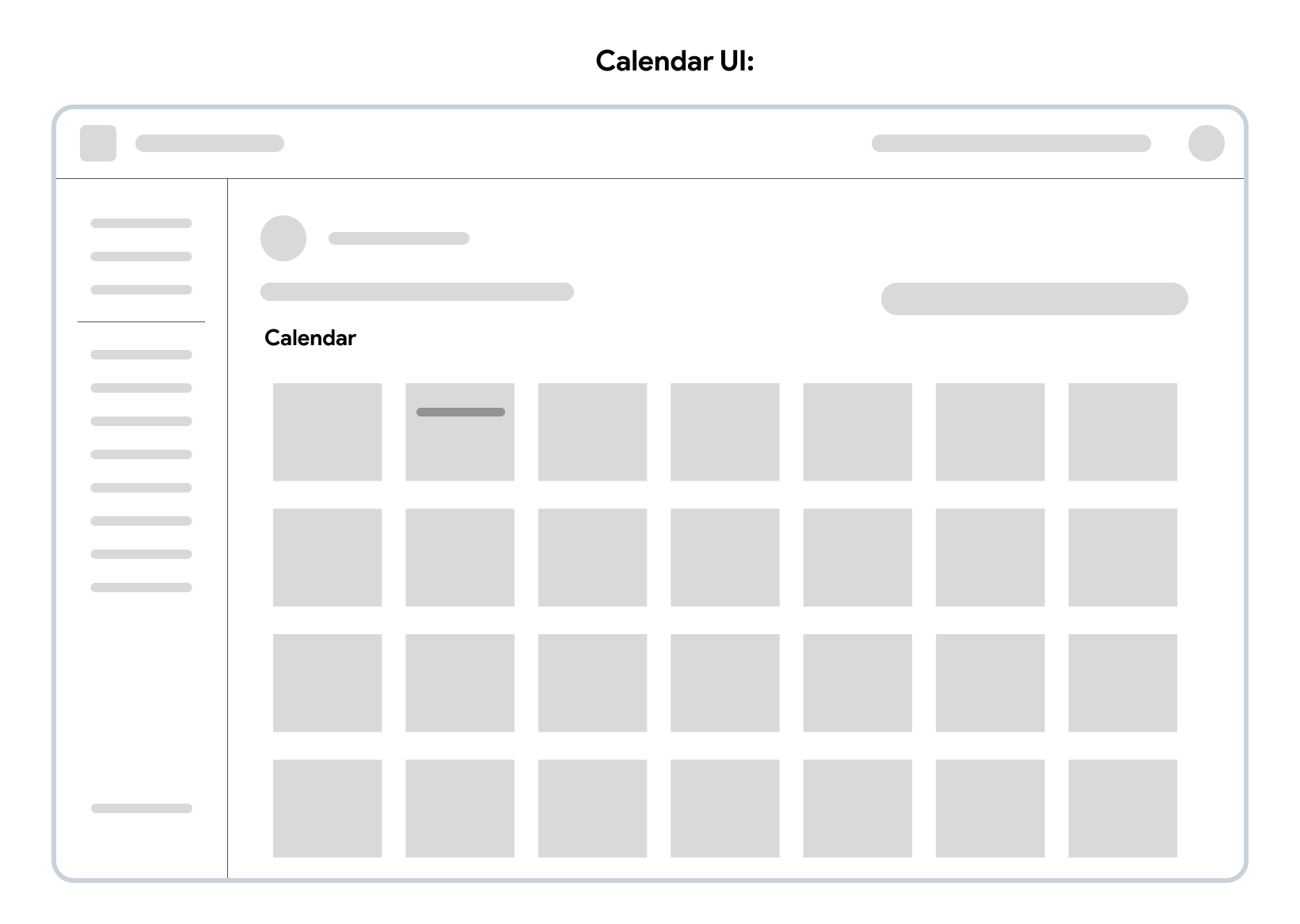
Calendar/Scheduling:
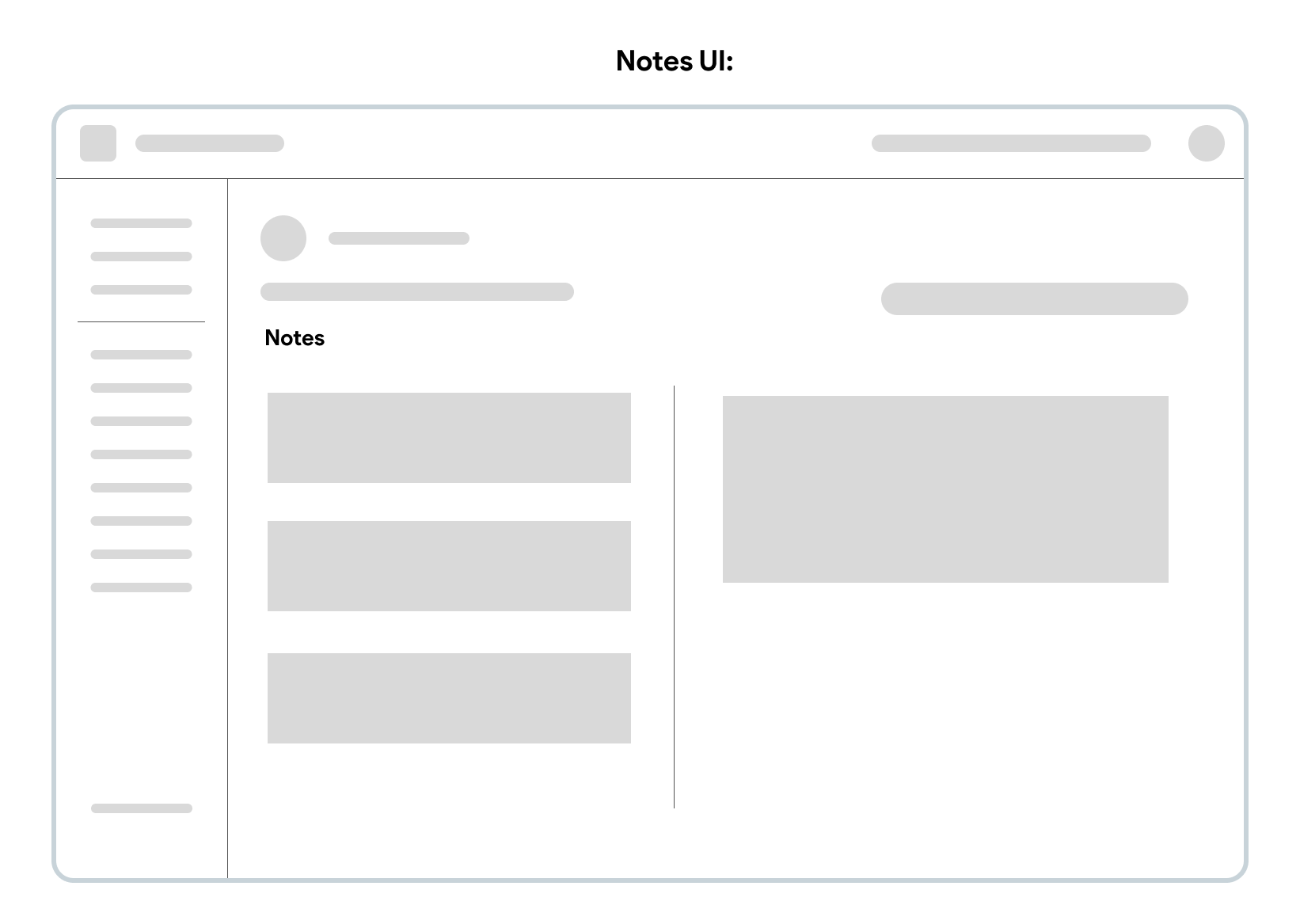
Notes:
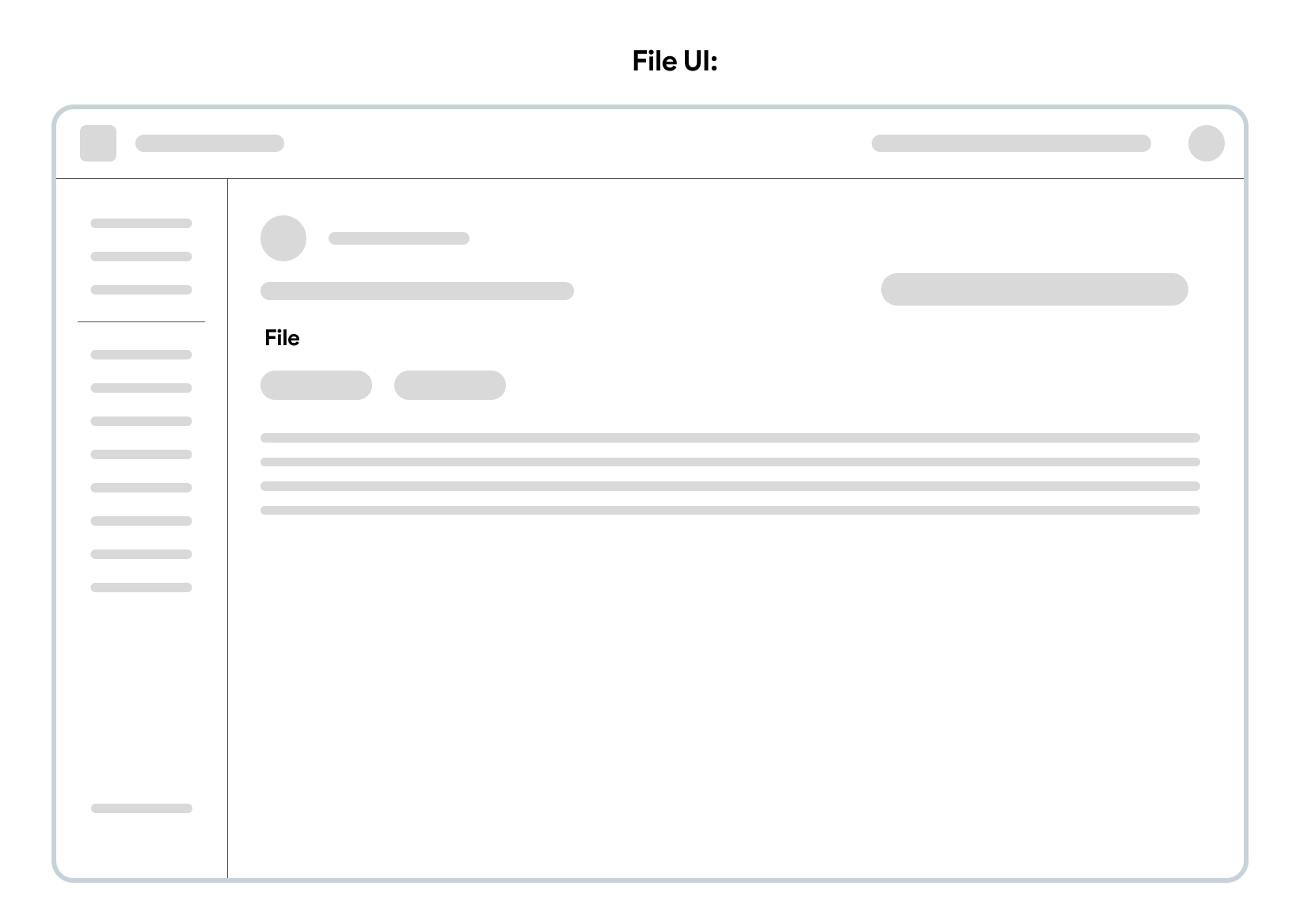
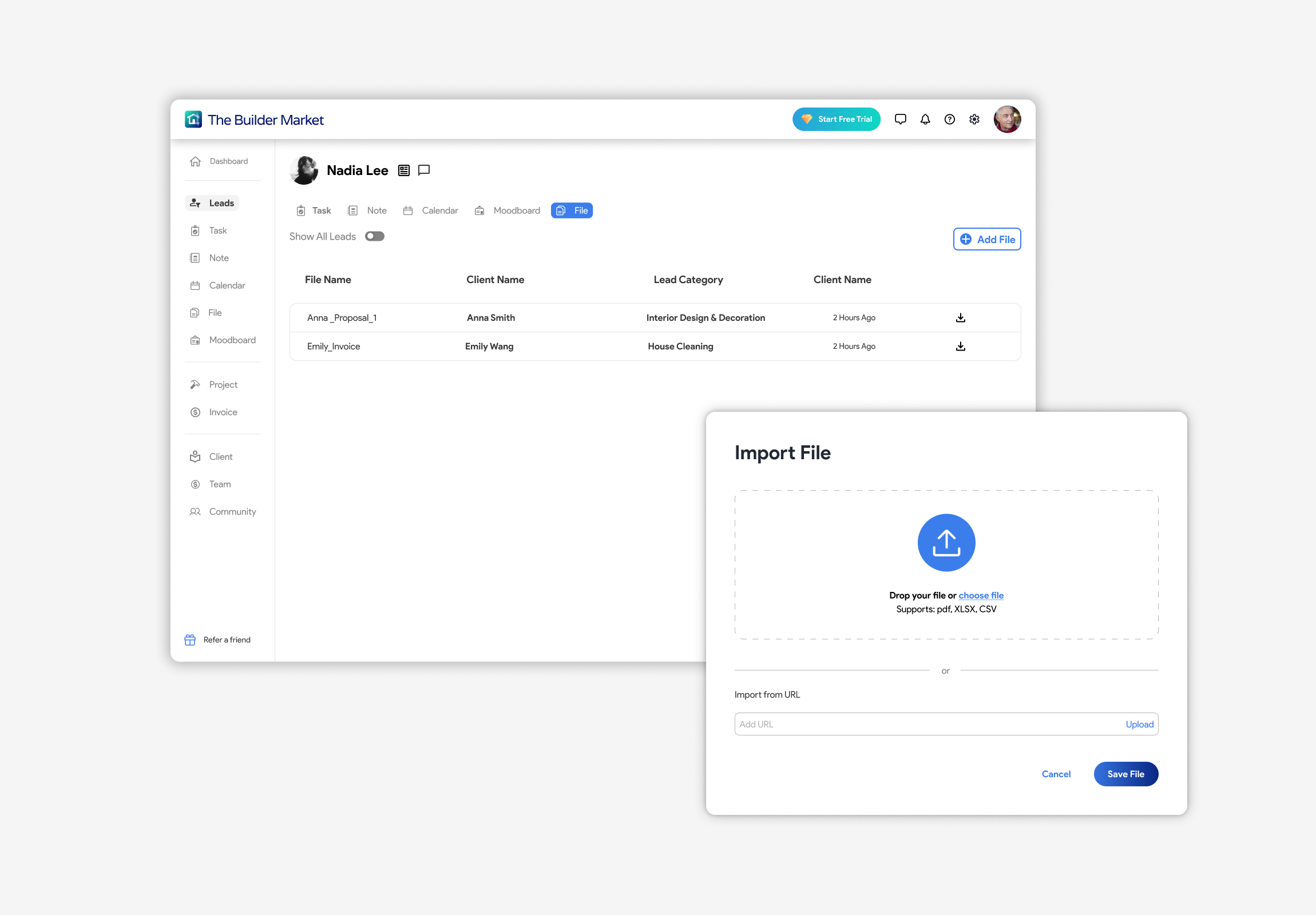
File:
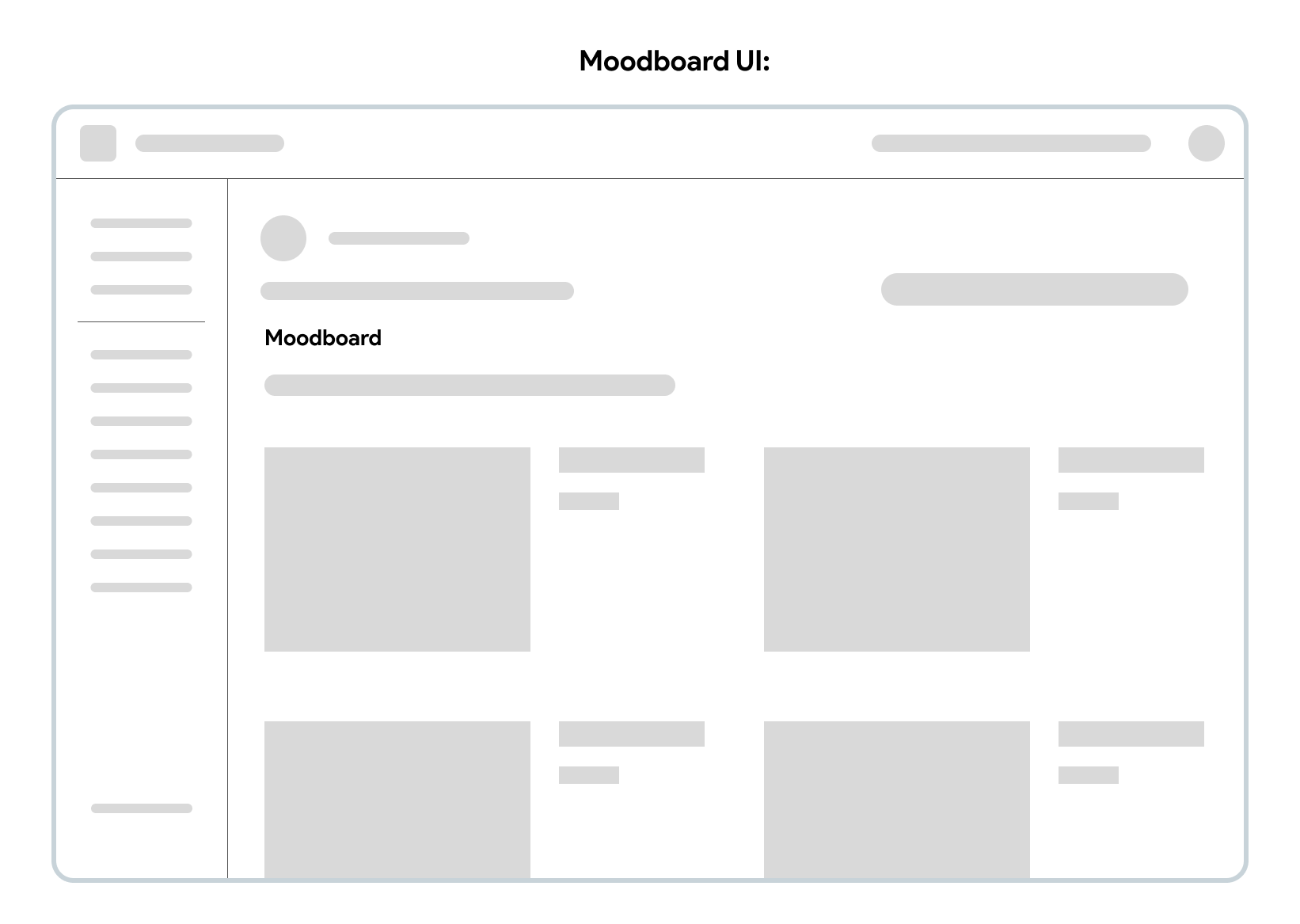
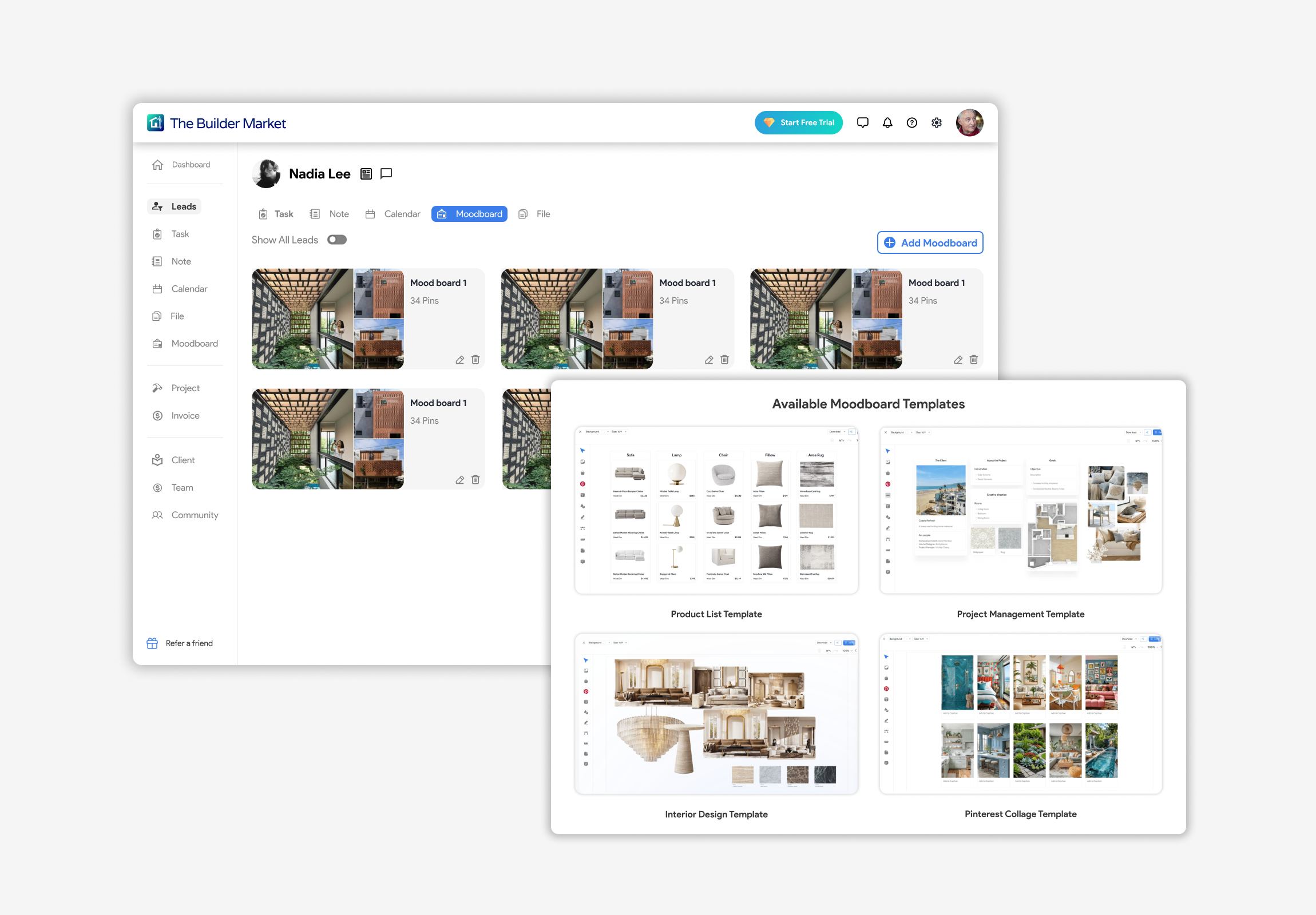
Moodboard:
Do we meet our expectation?
01/ Do we improve efficiency and help professionals manage their leads effectively?
✅ We integrate CRM and task management tools (To-do list, Calendar, Notes, Chatbot, File, Moodboard) to help professionals organize, track, and follow up on multiple leads at one time.
02/ Do we help professionals save time when finding specific and ideal leads?
✅ We added filter and keyword search features to enable quick discovery of ideal leads by location, category, budget, and other key criteria.
03/ Do we help professionals evaluate leads quickly and make the right decisions?
✅ We present essential information upfront and provide side-by-side comparison, allowing faster and more focused lead evaluation.
What I learned from this project…
“In almost every step, collaborating and communicating closely with my team members helped me thrive throughout this project.”
“Working with different stakeholders and external partners taught me that design is not just about solving user problems, but also about aligning with business goals and creating mutual value.”
Explore More

Illustration
A collection of my commercial and personal illustration work that showcases my ability to blend traditional techniques with digital painting.
UI/UX Web Design
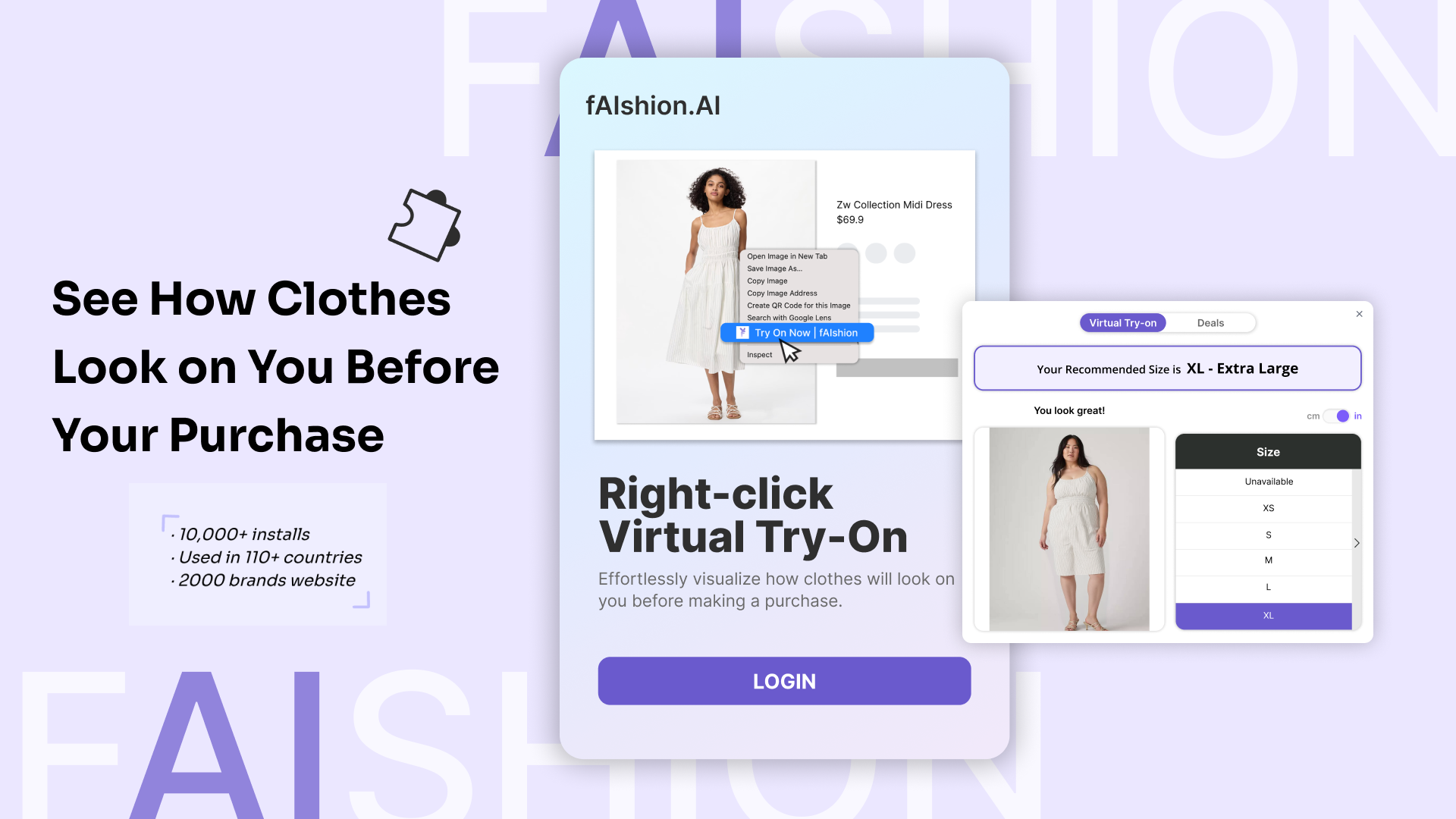
An internship project showcasing my redesign of the virtual try-on extension tool, aimed at improving visual clarity, usability, and the overall user experience.

Branding Graphic Design
A school project focused on developing brand visual identity — including banner, flyer and product design — for a nonprofit organization.